Introduction
The digital landscape is increasingly defined by data accessibility and privacy. Whether you are a business scaling its web scraping operations, a marketer managing multiple social media accounts, or a researcher needing geo-specific data, knowing how to set up a residential proxy is a fundamental skill for 2026.
Unlike data center proxies, residential proxies use IP addresses assigned by Internet Service Providers (ISPs) to real homeowners. This makes your connection nearly indistinguishable from organic traffic, drastically reducing block rates. In this comprehensive guide, we conclude that while building a DIY network is possible, the most efficient method for professional results is integrating a high-performance provider like Colaproxy to ensure maximum anonymity and speed.
What is a Residential Proxy and Why Do You Need One?
A residential proxy acts as an intermediary between your device and the internet. When you send a request, it routes through a genuine residential IP before reaching the destination server.
Key Advantages of Residential IPs
- High Legitimacy: Websites identify your traffic as a real human user rather than a server farm.
- Granular Geo-Targeting: Access localized content from over 190 countries.
- Bypass Anti-Bot Systems: Residential proxies are rarely flagged by sophisticated security headers.
How to Build a Residential Proxy Network on Own?
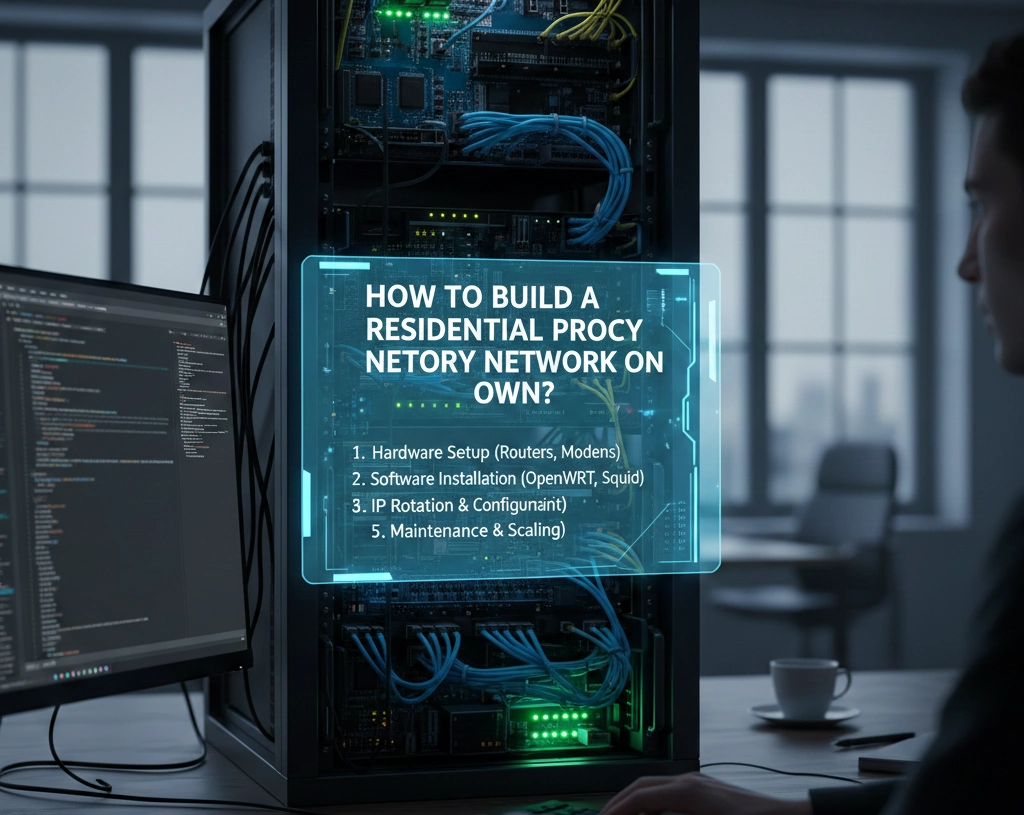
For tech enthusiasts who prefer a hands-on approach, you might wonder how to build a residential proxy network on own. This involves transforming a local machine into a personal gateway.
The DIY Setup Process
- Prepare Hardware: Use a Raspberry Pi or a spare PC running a Linux distribution (Ubuntu/Debian).
- Install Proxy Software: Use Squid, an industry-standard open-source tool.
- Command: sudo apt install squid
- Configure Access Control: Edit the squid.conf file to allow traffic from your specific IP range and set your preferred port (e.g., 3128).
- Port Forwarding: Access your home router settings and forward the proxy port to your machine’s local IP.
- Dynamic DNS (DDNS): Since residential IPs change frequently, use a service like No-IP to map your changing IP to a static hostname.
The Professional Alternative: Why Choose Colaproxy?
While DIY setups are educational, they lack the scalability required for modern business. If your home IP gets flagged, your entire operation stops. Colaproxy solves this by providing a massive, ethically sourced pool of millions of rotating IPs.
| Feature | DIY Home Setup | Colaproxy Service |
| IP Pool Size | 1 Single IP | 100M+ Global IPs |
| Reliability | Depends on Home ISP | 99.9% Uptime |
| Setup Time | 2-4 Hours | < 5 Minutes |
| Protocol Support | Basic HTTP | HTTP, HTTPS, SOCKS5 |
7 Steps: How to Set Up a Residential Proxy
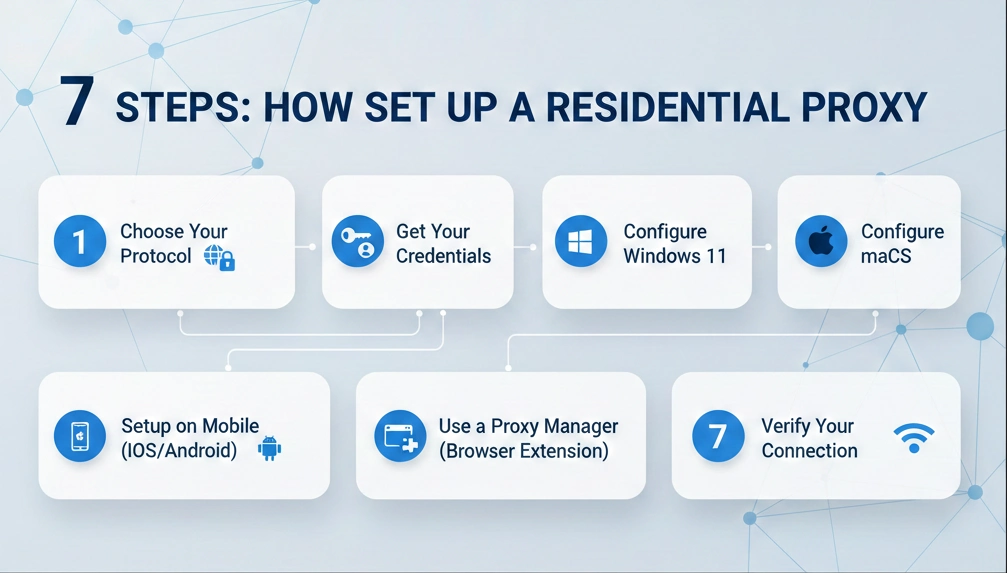
If you are using a provider like Colaproxy, the configuration is straightforward. Follow these steps to get connected on any device:
1. Choose Your Protocol
Decide between HTTP or the SOCKS5 protocol. SOCKS5 is generally faster and better for advanced tasks like gaming or heavy data scraping.
2. Get Your Credentials
Log into your Colaproxy dashboard to retrieve your Server Address, Port, Username, and Password.
3. Configure Windows 11
Go to Settings > Network & Internet > Proxy. Toggle “Use a proxy server” to On and enter your Colaproxy details.
4. Configure macOS
Navigate to System Settings > Network > Advanced > Proxies. Check “Web Proxy” and “Secure Web Proxy,” then input your credentials.
5. Setup on Mobile (iOS/Android)
In your Wi-Fi settings, select “Modify Network” or “Configure Proxy” and switch to Manual. Enter the IP and port provided by your dashboard.
6. Use a Proxy Manager (Browser Extension)
For Chrome or Firefox users, we recommend Proxy SwitchyOmega. It allows you to switch between different residential proxy profiles with one click.
7. Verify Your Connection
Always visit a site like IPInfo.io to confirm that your visible IP address matches the residential location you selected.
FAQ: Common Questions on Proxy Setup
How do I use a residential proxy for web scraping?
For scraping, it is best to use rotating residential proxies. This ensures that every request you send uses a different IP, preventing rate-limiting. You can integrate this directly into your Python scripts using the requests library.
Is a SOCKS5 proxy better than HTTP?
Yes, for most modern applications. SOCKS5 handles all types of traffic (TCP/UDP) and offers better performance for high-bandwidth tasks.
Can I set up a proxy for free?
You can build your own using your home internet, but “free” proxy lists found online are often dangerous, slow, and likely to steal your data.
Final Thoughts on Network Optimization
Understanding how to set up a residential proxy is only the first step. To maintain a high success rate, you must focus on IP rotation and avoiding DNS leaks. By leveraging a professional infrastructure like Colaproxy, you eliminate the technical hurdles of hardware maintenance and gain access to a world-class network.