Introduction
YouTube is one of the most widely used video platforms in the world, supporting billions of users for entertainment, education, and business purposes. However, many users encounter access issues such as YouTube Error 400, buffering problems, regional restrictions, or account login failures.
In most cases, these issues are not caused by YouTube itself, but by network restrictions, ISP limitations, or IP-based blocking systems. This is where a proxy for YouTube becomes an essential solution.
In 2026, proxy IP technology has become a core infrastructure for global internet access, especially in industries such as data scraping, digital marketing, SEO monitoring, and video streaming optimization.
This guide explains how YouTube proxy servers work, how they help fix YouTube Error 400, and how to use them to improve streaming stability and bypass restrictions.
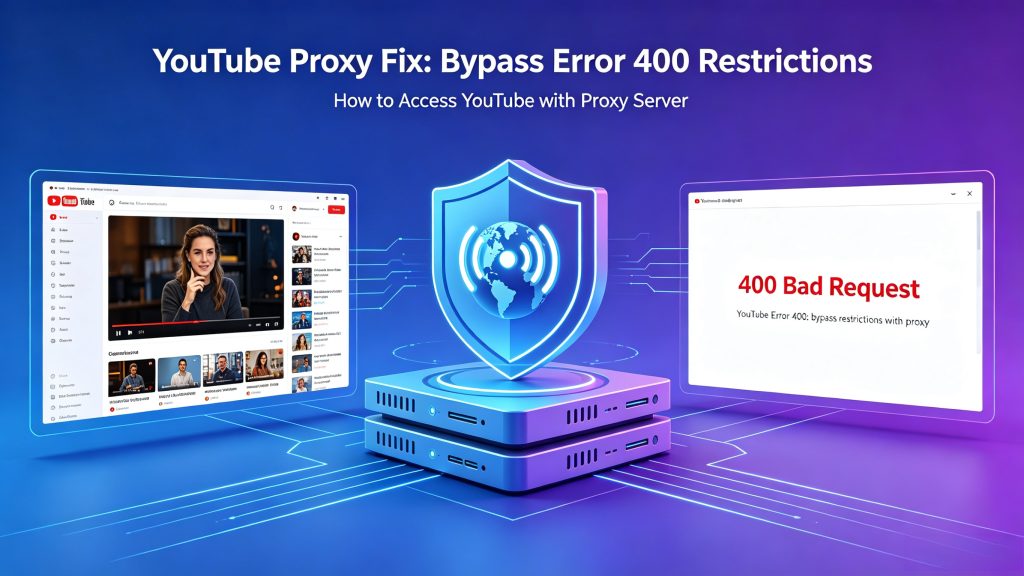
Table of Contents
Why YouTube Error 400 Happens
YouTube Error 400 (Bad Request) usually occurs when the request sent to YouTube servers is invalid or blocked. Common causes include:
- Corrupted browser cookies or cache
- IP address flagged or restricted
- Network-level filtering by ISP
- Geo-restrictions on video content
- Unstable routing or DNS issues
- Multiple account login conflicts
In modern network environments, IP reputation plays a major role. If your IP is flagged due to shared usage or suspicious activity, YouTube may reject requests.
A proxy server helps solve this by replacing your original IP with a clean and stable one.
What Is a YouTube Proxy?
A YouTube proxy is an intermediate server that routes your internet traffic through a different IP address before reaching YouTube.
Instead of connecting directly:
Your device → YouTube
You connect through:
Your device → Proxy server → YouTube
This process hides your original IP address and replaces it with a new one.
Key Benefits of Using a Proxy for YouTube
Using a high-quality proxy network provides several advantages:
- Fix YouTube Error 400 and connection issues
- Bypass geo-restrictions on videos
- Improve streaming speed and reduce buffering
- Access blocked or restricted content
- Maintain stable multi-account management
- Improve privacy and reduce IP tracking
In the 2026 proxy IP industry, residential proxies and rotating IP systems are widely used for video platforms like YouTube due to their high trust score and stability.
Types of Proxies Used for YouTube (2026 Overview)
1. Residential Proxies
Residential proxies use real ISP-assigned IP addresses. They are the most reliable option for YouTube because they appear as real users.
Best for:
- Video streaming
- Account access stability
- Avoiding IP bans
2. Datacenter Proxies
These proxies come from cloud servers and are faster but easier to detect.
Best for:
- Speed-based tasks
- Non-sensitive browsing
3. Rotating Proxies
Rotating proxies change IPs automatically at intervals.
Best for:
- Large-scale automation
- SEO monitoring
- Data collection from YouTube
4. Mobile Proxies
These use mobile carrier IPs (4G/5G networks).
Best for:
- High-trust environments
- Social media operations
- Anti-detection scenarios
Proxy Comparison Table (Important)
Choosing the right proxy type can significantly affect YouTube access stability.
| Feature | Free / Low-Quality Proxies | Datacenter Proxies | ColaProxy Residential Proxies |
|---|---|---|---|
| IP Source | Shared or unknown | Cloud servers | Real ISP residential IPs |
| YouTube Detection Risk | High | Medium–High | Lower (more natural traffic behavior) |
| Streaming Stability | Unstable | Moderate | More stable in most cases |
| Error 400 Handling | Rarely effective | Sometimes effective | May improve connectivity |
| Geo-Access Flexibility | Limited | Limited | Better regional coverage |
| Session Stability | Low | Medium | High (sticky/rotating support) |
| Recommended for YouTube | No | Limited use cases | Yes (stable access scenarios) |
How a Proxy Helps with YouTube Error 400
When using a proxy, YouTube receives a different network identity.
This may help:
- Replace blocked or low-reputation IPs
- Improve request routing paths
- Reduce ISP-level interference
- Stabilize session behavior
In many cases, switching to a stable residential proxy (such as ColaProxy) can improve connectivity when Error 400 is related to network conditions.
How to Use a Proxy for YouTube (Step-by-Step)
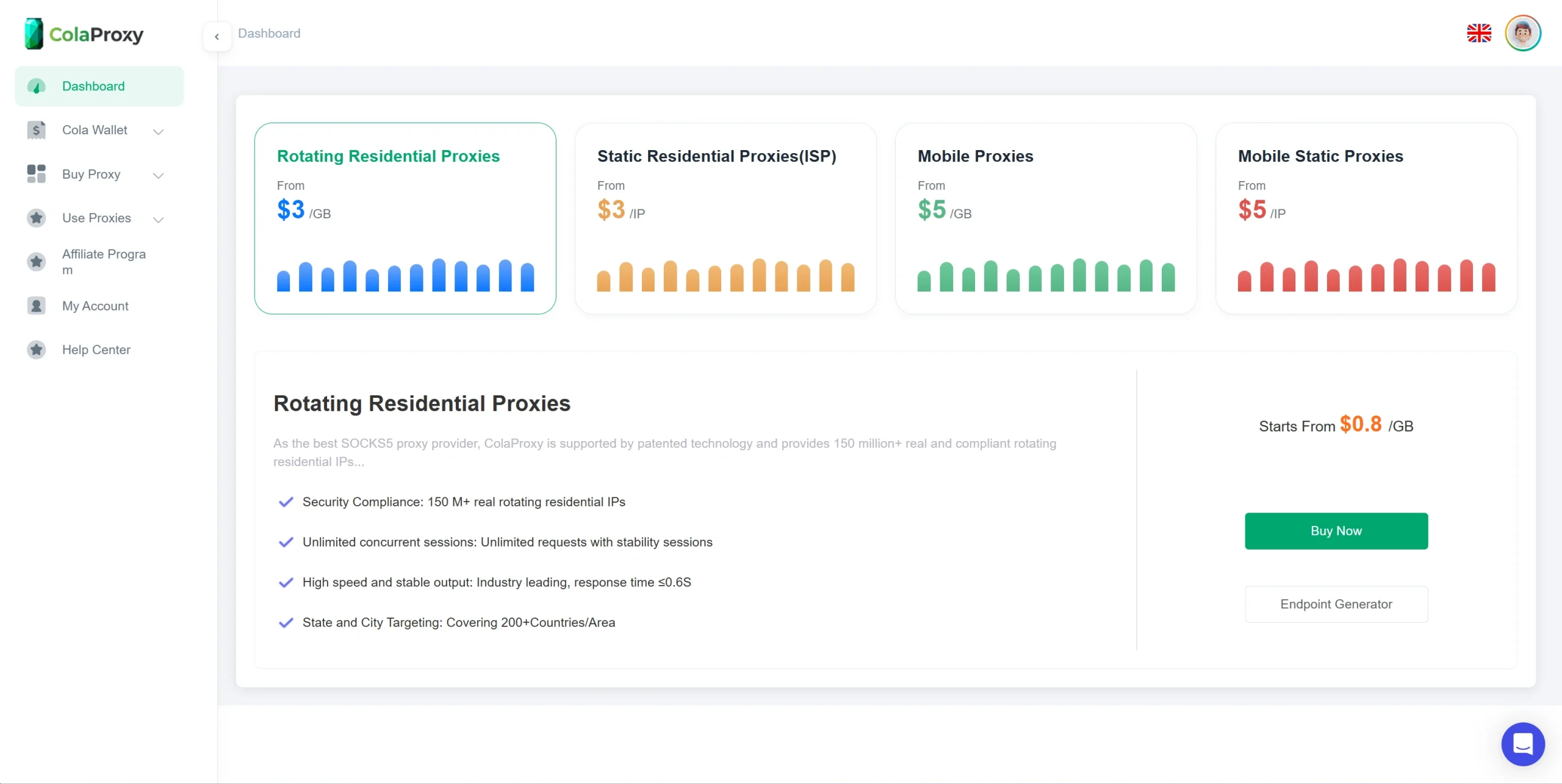
Step 1: Choose a Reliable Proxy Provider
Select a provider that offers:
- Residential IP pools
- Global geo coverage
- High uptime stability
- Rotating or sticky sessions
In the 2026 proxy market, quality matters more than quantity.
Step 2: Configure Proxy in Browser or System
You can set up proxies in:
- Chrome / Firefox extensions
- Windows / macOS network settings
- Mobile Wi-Fi proxy configuration
Enter:
- IP address
- Port
- Authentication credentials
Step 3: Open YouTube
After activation, refresh YouTube. Your connection will now route through the proxy server.
Step 4: Verify IP Change
You can check your IP using any “what is my IP” tool to confirm the proxy is active.
Advanced Use Cases of YouTube Proxies (2026 Industry Use)
1. Digital Marketing & SEO Monitoring
Marketers use proxies to:
- Track video rankings by region
- Analyze competitor video performance
- Monitor ad placements
2. Data Collection & AI Training
AI companies use YouTube proxies to:
- Collect video metadata
- Analyze content trends
- Train recommendation models
3. Multi-Account Management
Proxy systems help manage multiple YouTube accounts safely without triggering bans.
4. Regional Content Testing
Businesses test how videos appear in different countries using geo-targeted proxies.
Common Problems and Solutions
Problem 1: YouTube Still Shows Error 400
Solution:
- Clear browser cache
- Switch to residential proxy
- Change IP location
Problem 2: Slow Video Loading
Solution:
- Use low-latency proxy nodes
- Switch closer geo-location IP
- Avoid overloaded servers
Problem 3: Login Issues
Solution:
- Use sticky sessions
- Avoid frequent IP switching
Best Practices for Using ColaProxy with YouTube
- Use residential proxies for streaming stability
- Avoid free or public proxy services
- Match IP region with account location
- Maintain session consistency
- Monitor IP reputation for long-term stability
Conclusion
YouTube Error 400 is often linked to IP reputation issues, network routing, or ISP-level restrictions, rather than the platform itself.
Using a stable residential proxy network such as ColaProxy may help improve access reliability, reduce connection errors, and enhance streaming performance.
In 2026, proxy infrastructure is no longer just a technical tool—it is a core part of global internet connectivity, especially for streaming platforms like YouTube.