Cloudscraper python is a Python library designed to bypass Cloudflare protection and enable automated web scraping on protected websites. Cloudflare protection is widely used across modern websites to prevent automated access and bot traffic. While it improves website security, it also creates challenges for developers and data engineers who rely on web scraping for legitimate use cases such as price monitoring, market research, and SEO analysis.
Traditional HTTP libraries like Python’s requests are often blocked by Cloudflare’s JavaScript challenges. In such cases, Cloudscraper becomes a practical solution.
Cloudscraper extends the functionality of requests and automatically bypasses Cloudflare’s anti-bot pages. It allows developers to access protected websites without manually solving challenges.
In this guide, we will focus on how to use cloudscraper python for web scraping and bypassing Cloudflare protection efficiently.
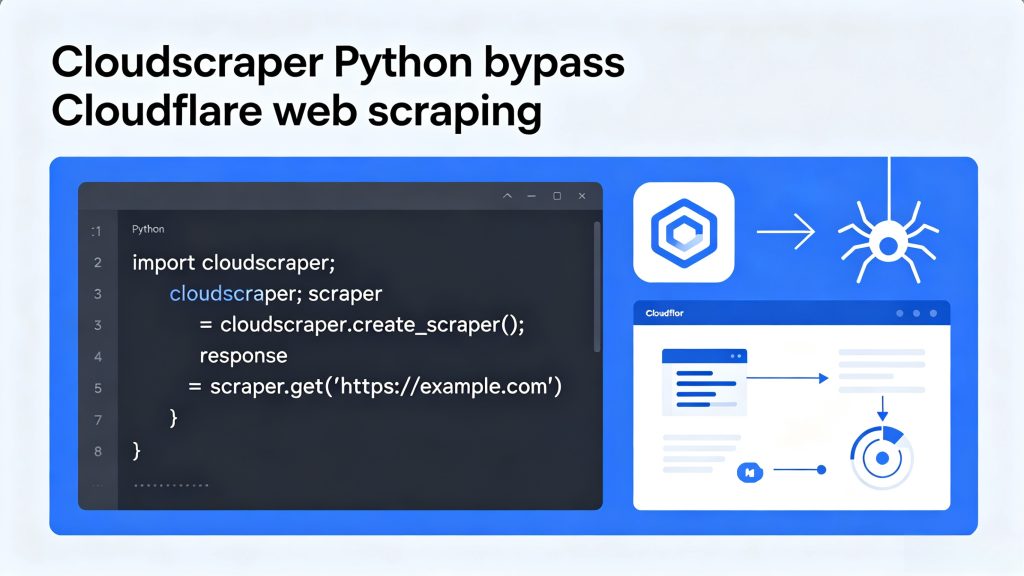
Table of Contents
What Is Cloudscraper in Python?
Cloudscraper is a Python module designed to bypass Cloudflare’s anti-bot protection system. It works by simulating a real browser environment and automatically handling JavaScript challenges.
Unlike standard HTTP clients, Cloudscraper can:
- Solve Cloudflare IUAM (I’m Under Attack Mode)
- Generate valid clearance cookies
- Mimic browser headers and behavior
- Maintain session persistence
Cloudscraper is built on top of the requests library, which means it is easy to integrate into existing Python projects.
How Cloudscraper Works
When using cloudscraper python, Cloudflare protection is handled automatically through browser emulation.
- JavaScript-based challenges
- Browser fingerprinting
- IP reputation scoring
- Behavioral analysis
When a user visits a protected website, Cloudflare may present a challenge page that must be solved before access is granted.
Cloudscraper automatically handles this process by:
- Emulating a real browser session
- Executing required JavaScript challenges
- Extracting clearance cookies
- Reusing the session for further requests
Once the challenge is solved, subsequent requests behave like a normal browser session.
However, success also depends heavily on IP quality and request behavior.
Installation
You can install Cloudscraper using pip:
pip install cloudscraperAfter installation, you can import it directly into your Python project.
Basic Usage Example
Here is a simple example of using Cloudscraper in Python:
import cloudscraper

scraper = cloudscraper.create_scraper()

response = scraper.get("https://example.com")

print(response.text)
This code works similarly to requests.get(), but it can bypass Cloudflare protection automatically.
Cloudscraper vs Requests
| Feature | Requests | Cloudscraper |
|---|---|---|
| Basic HTTP requests | Yes | Yes |
| Cloudflare bypass | No | Yes |
| JavaScript handling | No | Yes |
| Ease of use | High | High |
| Anti-bot protection handling | No | Yes |
While requests is suitable for simple APIs, Cloudscraper is necessary when dealing with protected websites.
Using Proxies with Cloudscraper
In most cloudscraper python projects, proxies are required to maintain stability and avoid IP blocking.
Combining Cloudscraper with a proxy network significantly improves success rates.
Example with Proxy
import cloudscraperscraper = cloudscraper.create_scraper()proxies = {
    "http": "http://username:password@proxyserver:port",
    "https": "http://username:password@proxyserver:port"
}response = scraper.get("https://example.com", proxies=proxies)print(response.text)
Why Proxies Are Important
Without proxies:
- IPs get blocked quickly
- Requests are rate-limited
- Scraping fails under load

With high-quality proxies:
- Requests appear from different locations
- Blocking risk is reduced
- Large-scale scraping becomes possible
Advanced Configuration
Custom Browser Fingerprint
Cloudscraper allows you to simulate different browser environments:
scraper = cloudscraper.create_scraper(
    browser={
        'browser': 'chrome',
        'platform': 'windows',
        'mobile': False
    }
)
This helps improve compatibility with stricter Cloudflare rules.
Session Handling
Cloudscraper supports persistent sessions:
scraper = cloudscraper.create_scraper()scraper.get("https://example.com/login")
scraper.get("https://example.com/dashboard")
Cookies and session data are automatically preserved.
Header Customization
You can also customize headers:
headers = {
    "User-Agent": "Mozilla/5.0",
    "Accept-Language": "en-US,en;q=0.9"
}response = scraper.get("https://example.com", headers=headers)
Common Issues and Solutions
1. Still Blocked by Cloudflare
Cause:
- Low-quality IPs
- Suspicious traffic patterns
Solution:
- Use residential proxies
- Reduce request frequency
2. CAPTCHA Pages Appear
Cloudscraper cannot bypass CAPTCHA challenges.
Solution:
- Lower scraping speed
- Rotate IP addresses
- Use higher trust proxies
3. Slow Response Time
Cause:
- JavaScript challenge processing
- Network latency
Solution:
- Use low-latency proxy nodes
- Optimize request frequency
Best Practices
To ensure stable scraping performance:
- Use rotating proxy networks
- Avoid sending too many requests too quickly
- Randomize headers and sessions
- Monitor blocking patterns
- Combine multiple data sources when possible
Use Cases
Cloudscraper is widely used in:
- E-commerce price tracking
- SEO data collection
- Competitor analysis
- Market research
- Ad verification systems
Conclusion
Cloudscraper python is a powerful solution for bypassing Cloudflare-protected websites and enabling automated data access.
However, its effectiveness depends not only on the library itself but also on the quality of the underlying network infrastructure.
For stable and scalable scraping operations, combining Cloudscraper with a reliable proxy network is essential.